How can you change the language of your order on the order status page?
If you’d like to change the language on your order status page, simply follow these steps:
1. Open the confirmation email you received from tickets@weeztix.com. Don’t forget to check your spam folder if you can’t find it.
2. Click on Download tickets to open the page with your tickets and order details.
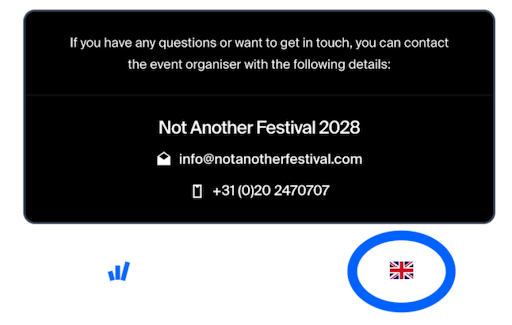
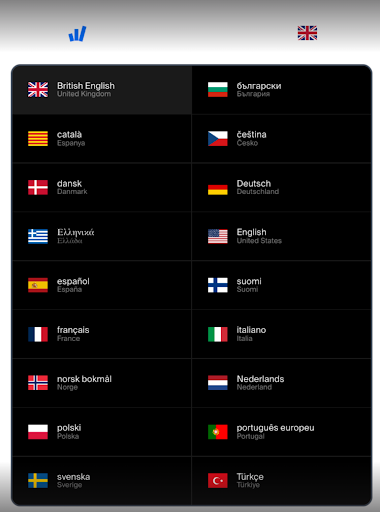
3. Scroll all the way down to the bottom of the page. In the bottom-right corner, you’ll find the flag of the currently selected language.